YouTube Thumbnail Downloader
Download any YouTube video's thumbnails in every available size.
Enter a video URL or ID to start
Note: Some thumbnails may not exist for every video.
Standard Thumbnails
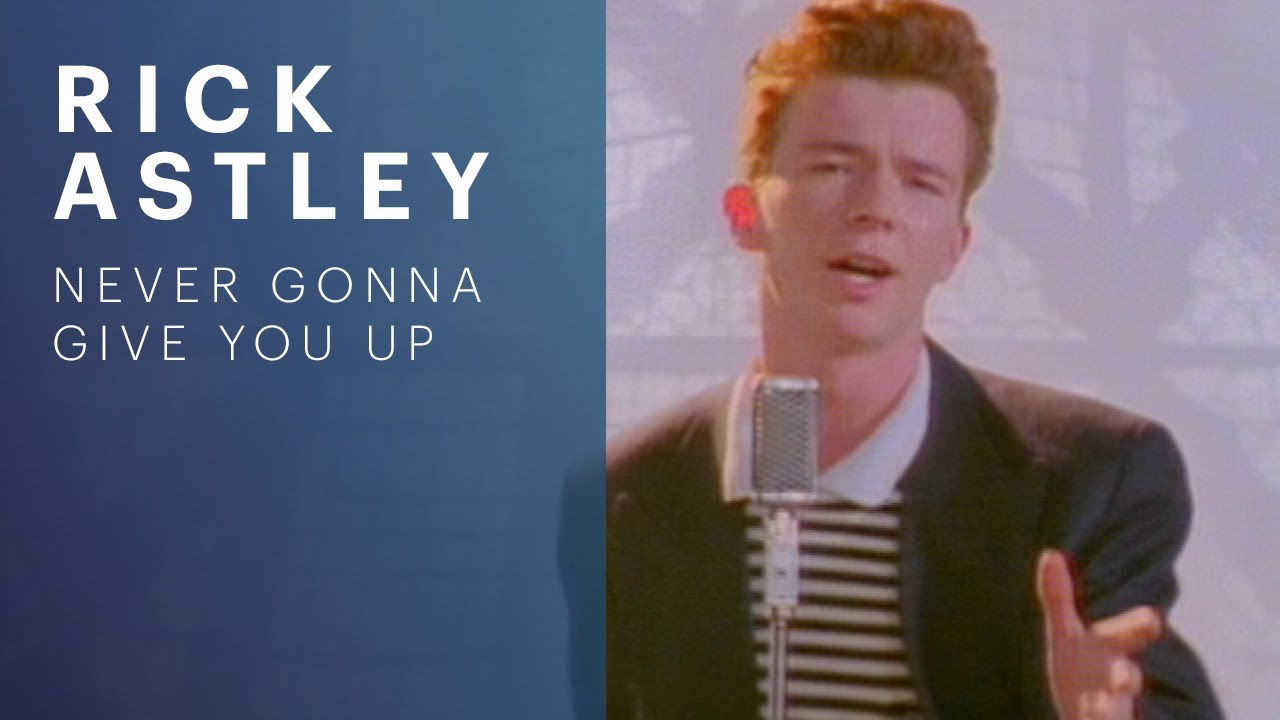
Max-Res
1280 x 720 (16:9)

Default
120 x 90 (4:3)
Medium
320 x 180 (16:9)
Standard
640 x 480 (4:3)
High
480 x 360 (4:3)
Max-Res
1280 x 720 (16:9)
Standard
640 x 480 (4:3)
High
480 x 360 (4:3)
Medium
320 x 180 (16:9)
Default
120 x 90 (4:3)
Auto-Generated Frames
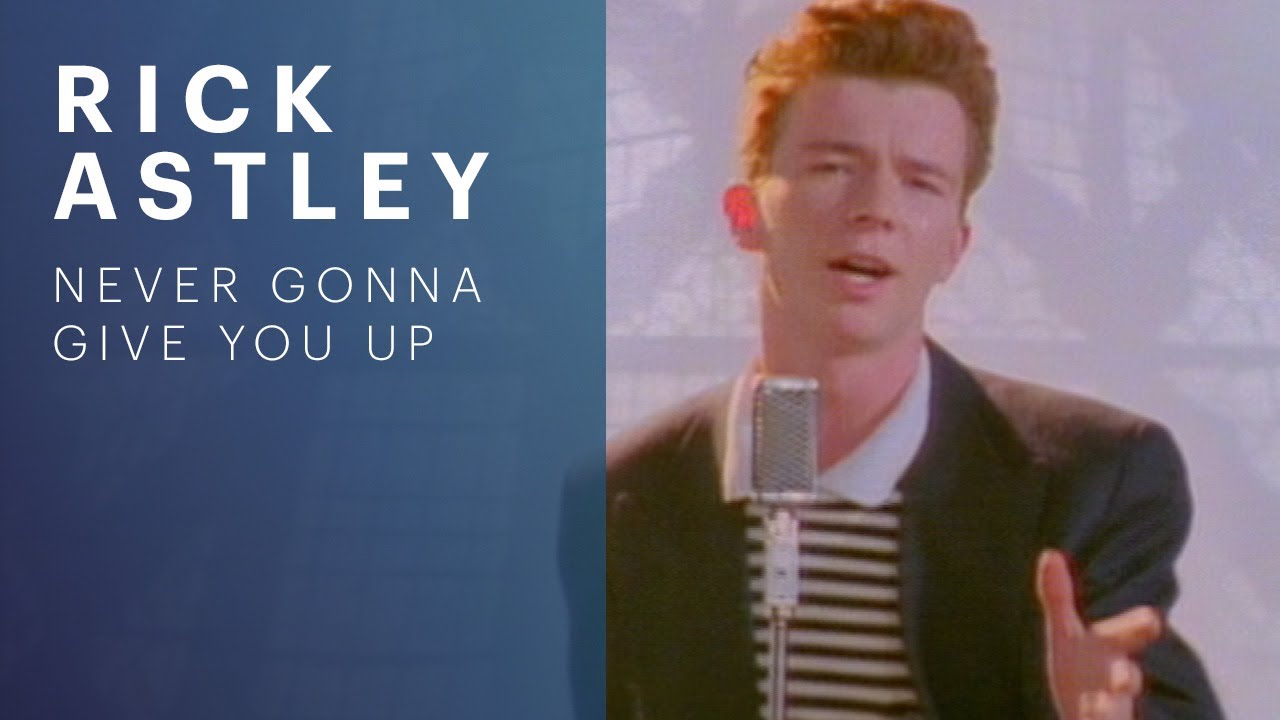
Frame 1 (HQ)
1280 x 720 (16:9)

Frame 2
120 x 90 (4:3)

Frame 3
120 x 90 (4:3)

Frame 4
120 x 90 (4:3)
Recent Searches
Your past searches will appear here.
About This Thumbnail Downloader
What is this tool?
A free tool that runs in your browser. Paste a watch link, a youtu.be or Shorts link, or the 11-character video ID, and it pulls every size YouTube stores for that video: maxresdefault (Max-Res) down to the 120 x 90 default, plus the auto-generated frames taken from the video itself. Save one image as a .jpg or take all of them in a single .zip. No account, no extension, no API key.
Why would I use it?
Common uses: pulling a preview image for a blog post or newsletter that links to the video, collecting thumbnails as reference while you design your own covers, checking how a competitor's thumbnail reads at small sizes, dropping a still into a slide deck or a video essay, or archiving a thumbnail before the creator swaps it out. Saving the image straight from a YouTube page usually gives you whatever small copy that page happened to load, so this is the quickest way to get the full size file.
How to Download a YouTube Thumbnail
- Paste any YouTube video link into the input field: a watch URL, a youtu.be link, a Shorts link, or just the 11-character video ID.
- Click the "Get" button to fetch the thumbnails.
- Download one size as a .jpg, copy its direct image URL, or take every size at once as a .zip.
Frequently Asked Questions
Does it work for Shorts, YouTube Music, embed links, and youtu.be links?
Yes. Shorts, YouTube Music tracks, gaming clips and sports highlights are all ordinary videos with the same 11-character video ID behind them, so the same thumbnail files exist for each. You can paste a watch URL, a youtu.be short link, a /shorts/ link, an m.youtube.com or music.youtube.com link, an embed link, or just the video ID on its own. For a YouTube Music track you get the image that track uses, which is usually the album art. For Shorts, gaming and sports clips you get the creator's custom thumbnail when there is one, and the auto-generated stills when there is not.
Why is the Max-Res thumbnail missing or showing 'Not Found'?
YouTube stores thumbnails at a fixed set of sizes and file names, and not every video has all of them; the card shows a 'Not Found' placeholder for the ones that are missing. Max-Res (maxresdefault.jpg) only exists when the video was uploaded in HD or the creator supplied a large custom thumbnail, and Standard (sddefault.jpg, 640 x 480) is absent on some videos too. High (hqdefault.jpg, 480 x 360), Medium (mqdefault.jpg, 320 x 180) and Default (default.jpg, 120 x 90) are there for practically every video, so when Max-Res is missing, Standard or High is the largest file you can save.
What are the 'Auto-Generated Frames' (hq720.jpg, 1.jpg, 2.jpg and 3.jpg)?
Besides the thumbnail the creator chose, YouTube keeps a few stills taken from the video itself, roughly near the start, the middle and the end. The three small ones here (Frame 2, Frame 3 and Frame 4) are the files 1.jpg, 2.jpg and 3.jpg, and they are only 120 x 90 each, which is why they look tiny next to the other cards. Frame 1 (HQ) is a different file, hq720.jpg, at 1280 x 720, and on many videos it holds the same picture as the main thumbnail rather than a separate moment. Use the frames when a video has no custom thumbnail, or when you want a shot from inside the video instead of the main thumbnail.
Is it legal to download YouTube thumbnails?
Thumbnails are copyrighted by the content creator. Downloading them is permissible, but how you use them matters. Under the doctrine of "fair use," you can often use thumbnails for non-commercial, transformative purposes such as commentary, parody, news reporting, or educational content. Using a thumbnail in a video essay or a review is generally fine. Re-uploading it as your own without modification is not.
Disclaimer
This website is not affiliated with or endorsed by YouTube. The use of the name "YouTube" is for context only; we are not claiming any ownership. We do not support unauthorized downloading of copyrighted material and take no responsibility for user actions.